Murmur
On-device dictation and clipboard history for macOS. No cloud, no API keys. Finished and ready for the Mac App Store.
My own replacement for Wispr Flow and Paste, two Mac apps for dictation and clipboard history. Murmur does both and runs entirely on the Mac. It's finished and I use it every day. If one of these goes on the Mac App Store, it's this one.
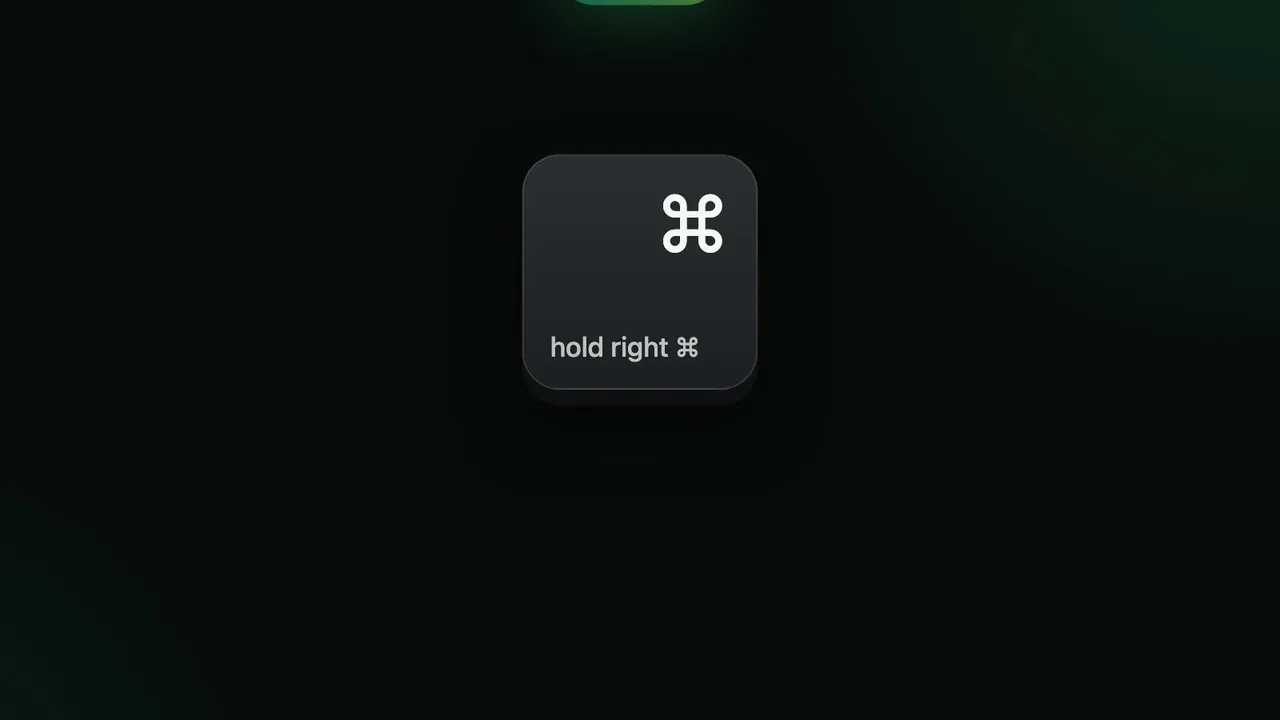
- Dictation anywhere. Hold right ⌘, speak, let go, and cleaned-up text appears at the cursor in whatever app is in front. Prose, bullets or email modes if the local model is on.
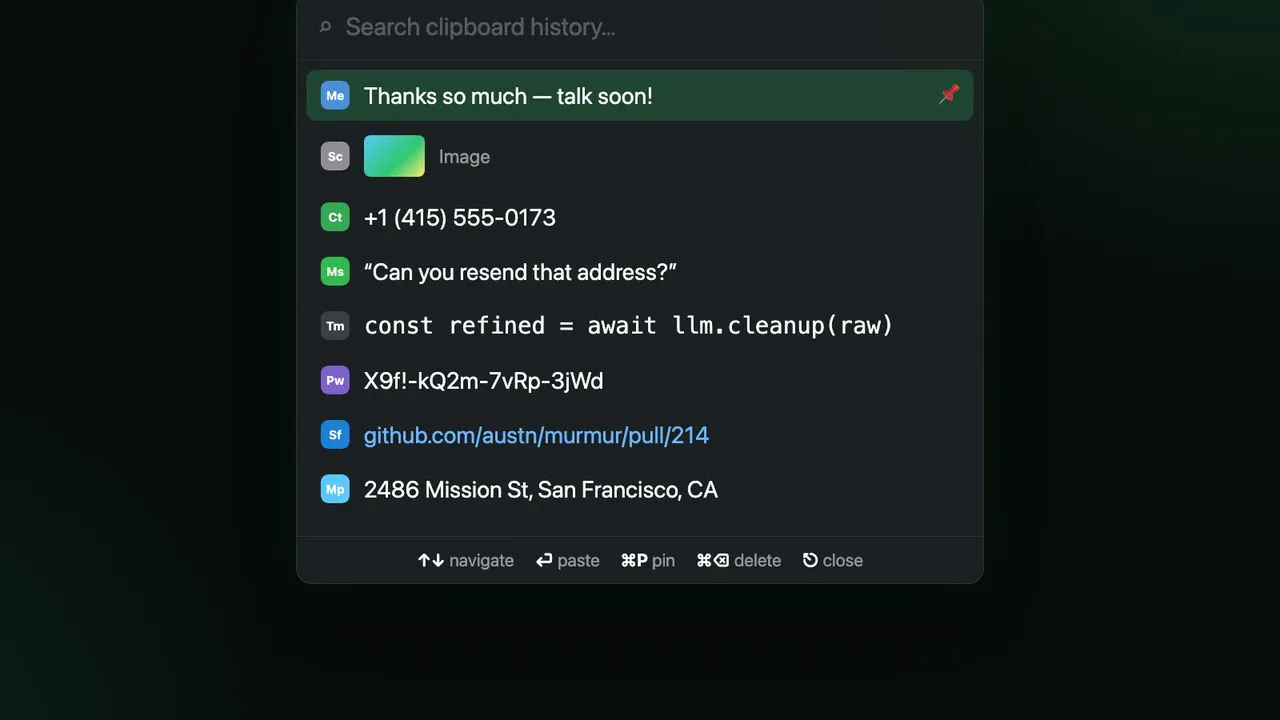
- Clipboard history. ⌥⌘V opens a searchable list of everything you've copied. Enter pastes it without touching the mouse.
- Meetings. Record a meeting, get a transcript and a summary, on-device.
- Fully on-device. Whisper for speech to text, an optional local LLM for cleanup, SQLite for history. No accounts, nothing uploaded.
Never wait on the model
Text goes in at the cursor right away, after fast rule-based cleanup and your personal dictionary. If the local LLM is on, it gets three seconds to produce a better version in the background, and the HUD offers to swap it in with one click. If the model misses the budget, its output is thrown away. Typing never waits on it.
How it's built
A monorepo of small Swift packages, each with its own tests: capture, transcription, refinement, insertion, clipboard, and a llama.cpp engine for the local model (Qwen3 4B). The app is a thin menu bar shell that wires them together. No package depends on the app, and the core has zero dependencies, so the same code can go into an iOS keyboard later. It builds from a clean clone with one command, no Xcode needed.
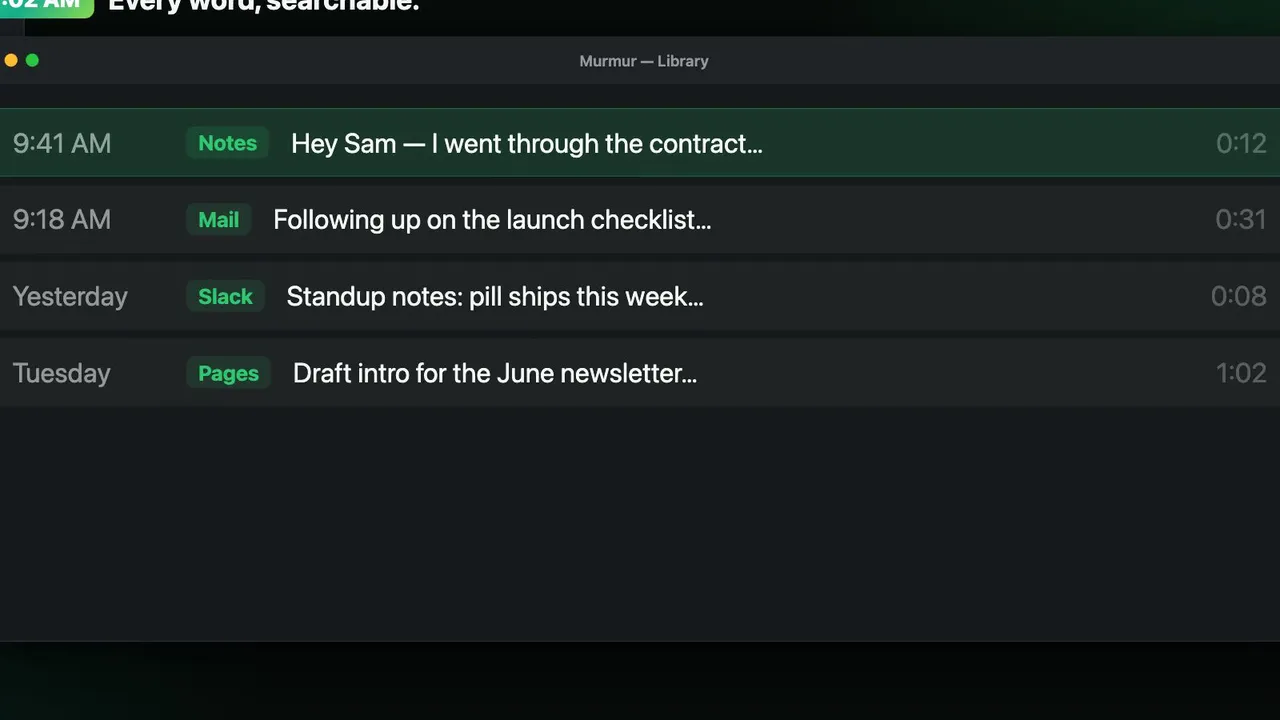
The frames above come from the promo video, which lives in the same repo as a Remotion project: the app's screens rebuilt as React components so every cut and pan is code. It renders in a headless browser and never takes over the screen, which I appreciated more than I expected.